
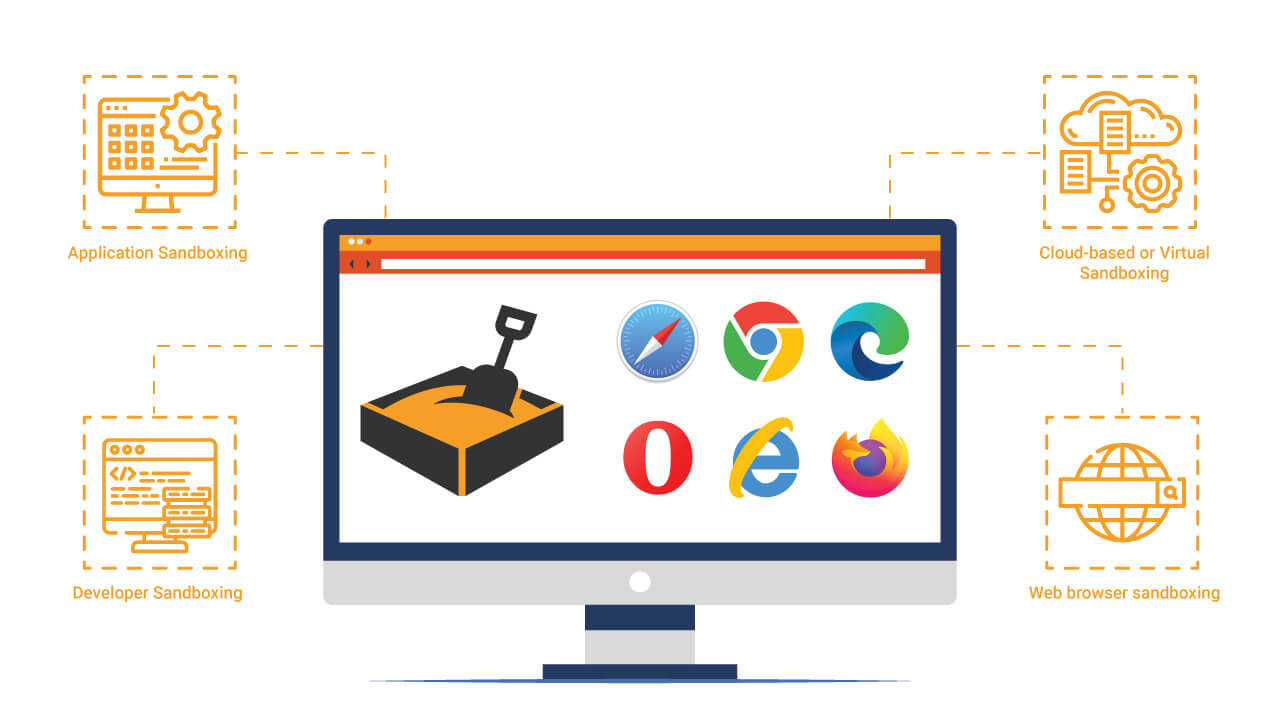
Overview
A secure remote browsing system that provides isolated web sessions through Kubernetes containers. Each user gets a dedicated ephemeral pod with a headless browser, streamed in real-time via WebRTC.
Key Features
- Per-session isolation — Each browsing session runs in its own Kubernetes pod
- WebRTC streaming — Real-time video stream of the remote browser
- Rust proxy — High-performance network filtering and security layer
- Auto-scaling — Kubernetes handles pod lifecycle and resource management
- Zero-trust networking — Every session is fully isolated from others
Quick Start with Docker
Want to try out a Chromium-based sandboxed browser? You can quickly test it using our Docker image available on Docker Hub.
Running the Container
Use the following command to start a Chromium container with proper configurations:
docker run -d \
  --name=chromium_test \
  --security-opt seccomp=unconfined \
  -e PUID=1000 \
  -e PGID=1000 \
  -e TZ=Etc/UTC \
  -e CHROME_CLI=https://level-sony.fr/en/ \
  -p 3000:3000 \
  -p 3001:3001 \
  -v /path/to/config:/config \
  --shm-size="1gb" \
  --restart unless-stopped \
  dilanek/docker_chromiun:test
Configuration Options
--name=chromium_test— Container name--security-opt seccomp=unconfined— (Optional) Disables seccomp security restrictions-e PUID=1000and-e PGID=1000— Set user and group IDs to avoid permission issues-e TZ=Etc/UTC— Set container timezone-e CHROME_CLI=https://level-sony.fr/en/— (Optional) URL to open automatically on startup-p 3000:3000 -p 3001:3001— Expose ports 3000 and 3001-v /path/to/config:/config— Mount volume for persistent configuration (replace/path/to/configwith your desired path)--shm-size="1gb"— Allocate 1GB of shared memory for Chromium--restart unless-stopped— Auto-restart container unless manually stopped
Important Note: Container Evolution
This container is currently under active development. The main focus is on achieving 100% WebRTC compatibility, particularly for audio management.
The goal is to ensure complete WebRTC support with smooth and optimized handling of audio and video streams. This feature is still being developed and may undergo adjustments in future versions.
This evolution aims to provide a high-performance, comprehensive WebRTC solution suitable for advanced use cases, especially for video conferencing and live streaming applications.
Learn More
Read the full technical article Rethinking Web Browsing with True Sandboxing for detailed architecture decisions, implementation challenges, and security analysis.